Overview
Inspekt shows a CS2 skin as a live 3D viewer or as a still image. Both draw the exact item, with its float, pattern seed, stickers and charm.
Live viewer
Drag to rotate the item and scroll to zoom. This embed shows an AK-47 | Case Hardened at float 0.2334 and pattern seed 661, with four stickers and a charm.
Add it to your page with one script tag and one call. Quickstart has the four steps, and Embed parameters lists every option.
Still images
The Render API returns one image per URL, for product cards and
link previews. Click a still on this page to open it at 1600 × 1000, the largest size the
API draws without a key. The same AK-47 from three angles, set by view:
view=hero, the defaultview=frontview=backKnives, gloves and every other finish in the catalog take the same call:
Backgrounds
Set the background with bg. There are six plain backgrounds: steel (the default),
black, white, charcoal, ember and violet. bg=transparent leaves the background out
and keeps the webp's alpha channel, shown here over a checkerboard:
bg=steel, the defaultbg=blackbg=whitebg=emberbg=violetbg=transparentbg=rarity uses the colour of the item's rarity tier:
The live viewer can also place the item in a CS2 map, a video loop set by scene.
Map scenes are available in the viewer only. Click one to load it:
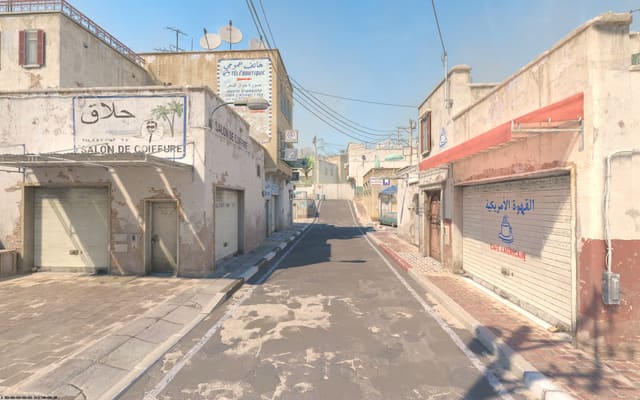
scene=plate_dust2_video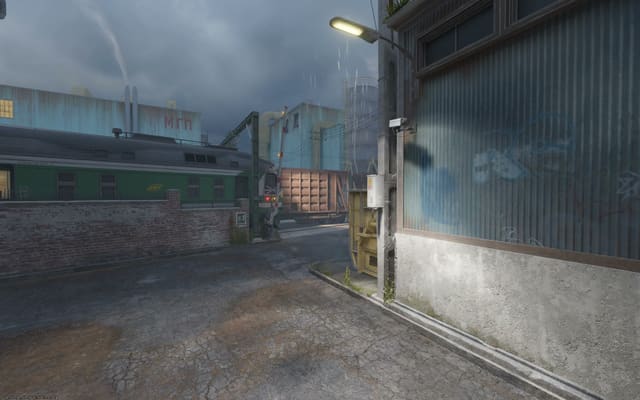
scene=plate_train_video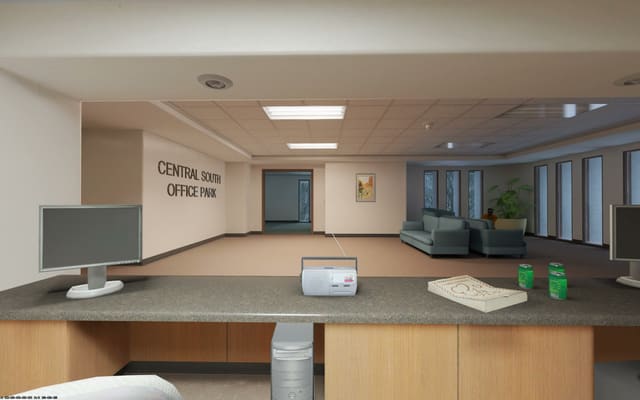
scene=plate_office_videoItem properties
The viewer and the Render API take the same four item properties. An inspect link copied inside CS2 carries all four. A link from a Steam Community Market listing or a Steam inventory page carries none of them; see Quickstart.
Float
The float, from 0 to 1, sets how worn the finish is. Each finish covers its own part of that
range (the AWP | Asiimov runs from 0.18 to 1), and a float outside it is drawn at the nearest
end. To change the float on a mounted viewer, call setItem(). The AWP | Asiimov at
0.18 and 0.90:
wear=0.18wear=0.9Pattern
The pattern seed, from 0 to 1000, sets where the finish's texture sits on the model, so two items with the same name and float can look different. The Karambit | Marble Fade at float 0.01 with seeds 412 and 77:
seed=412seed=77Stickers
An item carries up to five stickers. Each has its own wear, and its own offset and rotation under CS2's free placement. The USP-S | Kill Confirmed carries four, one worn to 0.44. The MP5-SD | Phosphor carries five, one moved and one rotated.
Charm placement
A charm hangs from the gun's keychain anchor, and the owner can slide it along the gun. The
charm parameter carries that position. The M4A1-S | Fade with its charm at the
anchor and slid to the stock end:
charm=60charm=60:-10.4688:0.345:2.4583Accuracy
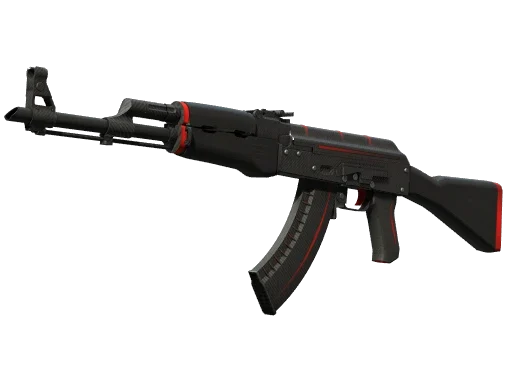
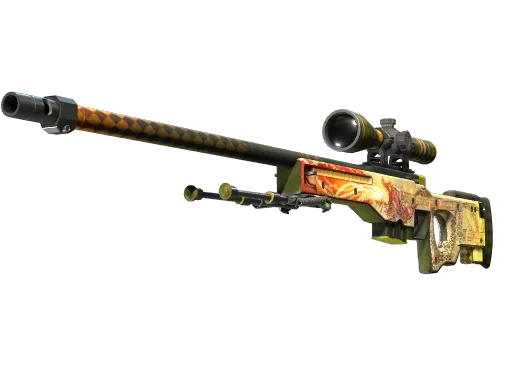
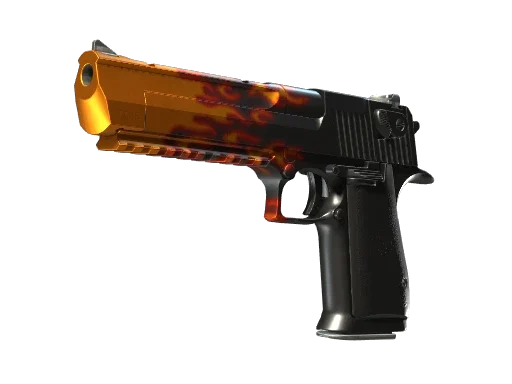
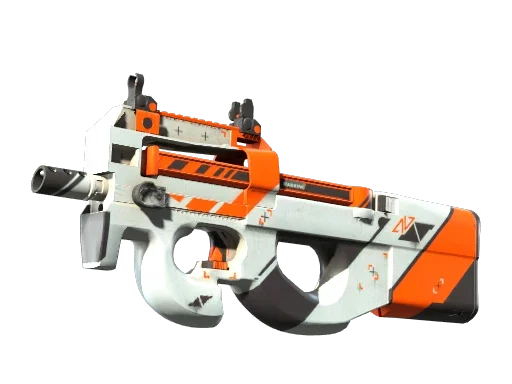
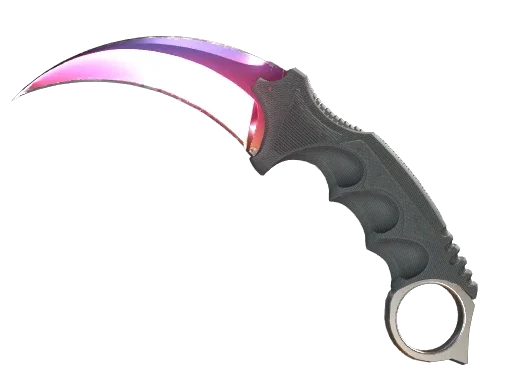
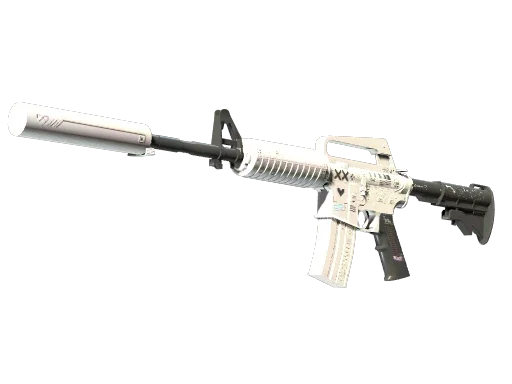
Valve's official render beside ours, for six finishes:
| Valve's render | Our render |
|---|---|
 |
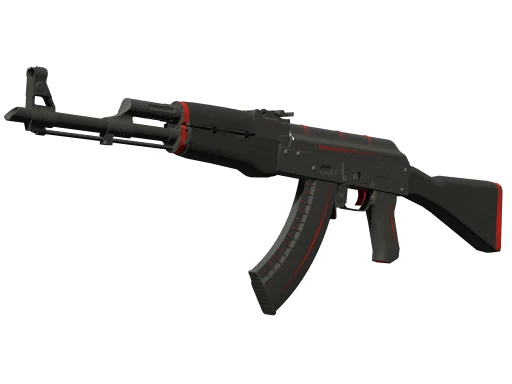 |
| AK-47 | Redline | |
 |
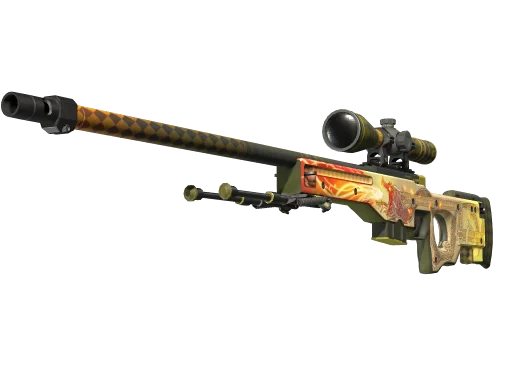 |
| AWP | Dragon Lore | |
 |
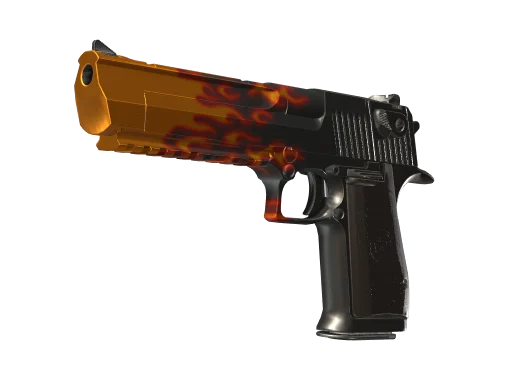 |
| Desert Eagle | Blaze | |
 |
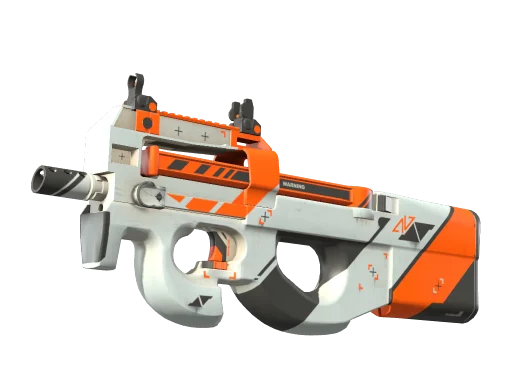 |
| P90 | Asiimov | |
 |
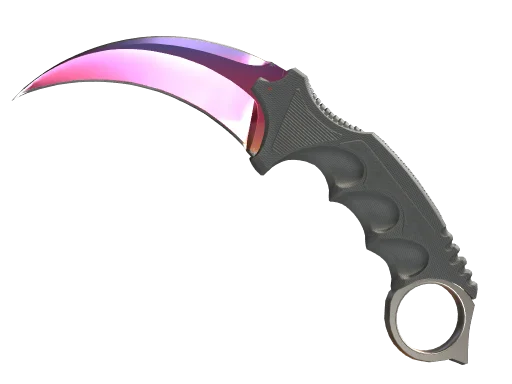 |
| Karambit | Fade | |
 |
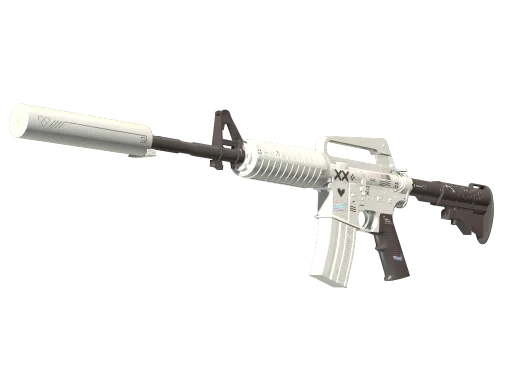 |
| M4A1-S | Printstream | |
Accessories
Inspekt renders stickers and charms on the weapon, and each one by itself.
A sticker by itself
/api/still?sticker=76, with no id, is Titan (Holo) | Katowice 2014
alone, flat and in its holo finish; see
Standalone stickers.
sticker=76Charms
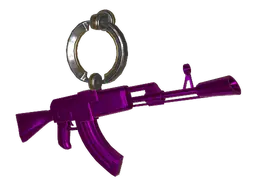
A gun carries one charm at its spot and pattern seed, in the Render API, the embed and share
cards; see Charms. /api/still?charm=60@75000,
with no id, is Lil' Chirp alone at seed 75000; see
Standalone charms.
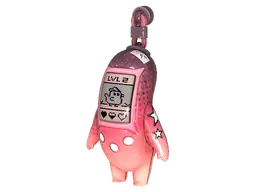
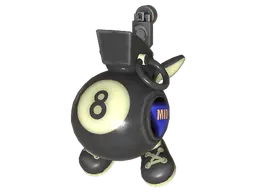
charm=73charm=60@75000Valve's picture of each charm beside ours, at the seed of Valve's picture:
| Valve's render | Our render |
|---|---|
 |
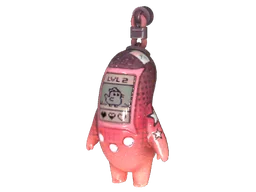 |
| Lil' Chirp, seed 1 | |
 |
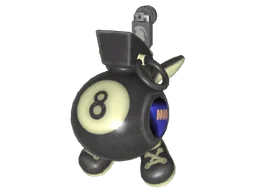 |
| 8 Ball IGL, seed 1 | |
 |
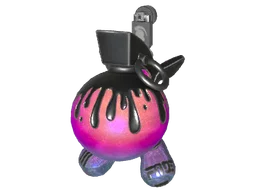 |
| Glitter Bomb, seed 1 | |
 |
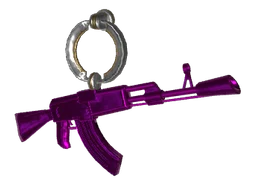 |
| Die-cast AK, seed 50000 | |
The seed shifts a charm's hue, as it does in the game. Lil' Chirp at seed 1 and at seed 75000:
| Seed 1 | Seed 75000 |
|---|---|
|
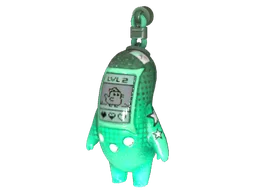 |
charm=60@1 and charm=60@75000 | |
Chickens
The chicken pages and the studio show every pet chicken from the 22 September 2026 game update in 3D, 41 birds in all. In the studio, open the Chickens row in the browse sidebar, below the weapons.
Cinematic video
The studio's Cinematic tab makes a short MP4 of one item at its float, pattern seed, stickers and charm, cut between camera shots you pick from 43. Sign in with an email address for one free render every 24 hours, up to 1080p and 30 seconds. Cinematic clips has the steps, the shots and the limits.
Next
- Quickstart: a still or the viewer on your page.
- Sandbox: change any parameter and see the viewer and a still update.
- Pricing: plans for a site from $20 a month, and Lens for the browser extension at $5.
- Compare: Inspekt against an in-house renderer, screenshots and other viewers.